
Students in classroom holding phones
Collection

In-Class Polling for Student Engagement

Instead of asking our students "Any questions?" and hoping for a response, we can use polling technologies to enable and invite all of our students to share their questions and respond to ours. The resources in this collection will help you use these technologies intentionally for student learning.

Updated June 2025
Derek Bruff headshot
Associate Director
Center for Teaching Excellence
View Bio
01

Using Peer Instruction to Improve Student Learning

Harvard Graduate School of Education

In the late 90s, Harvard physics professor Eric Mazur coined the term "peer instruction" to describe what is now a well-researched approach to teaching with in-class polling. In this video, Mazur walks through the peer instruction process, and we hear from students about their experiences with peer instruction.

Headshot of Derek Bruff
Derek Bruff

Eric Mazur has inspired countless instructors to embrace active learning strategies in their classrooms, and his peer instruction technique is a fundamental way to think about student engagement with technology. This well-produced video is a concise introduction to the technique.

View excerpt
Was this resource helpful?
02

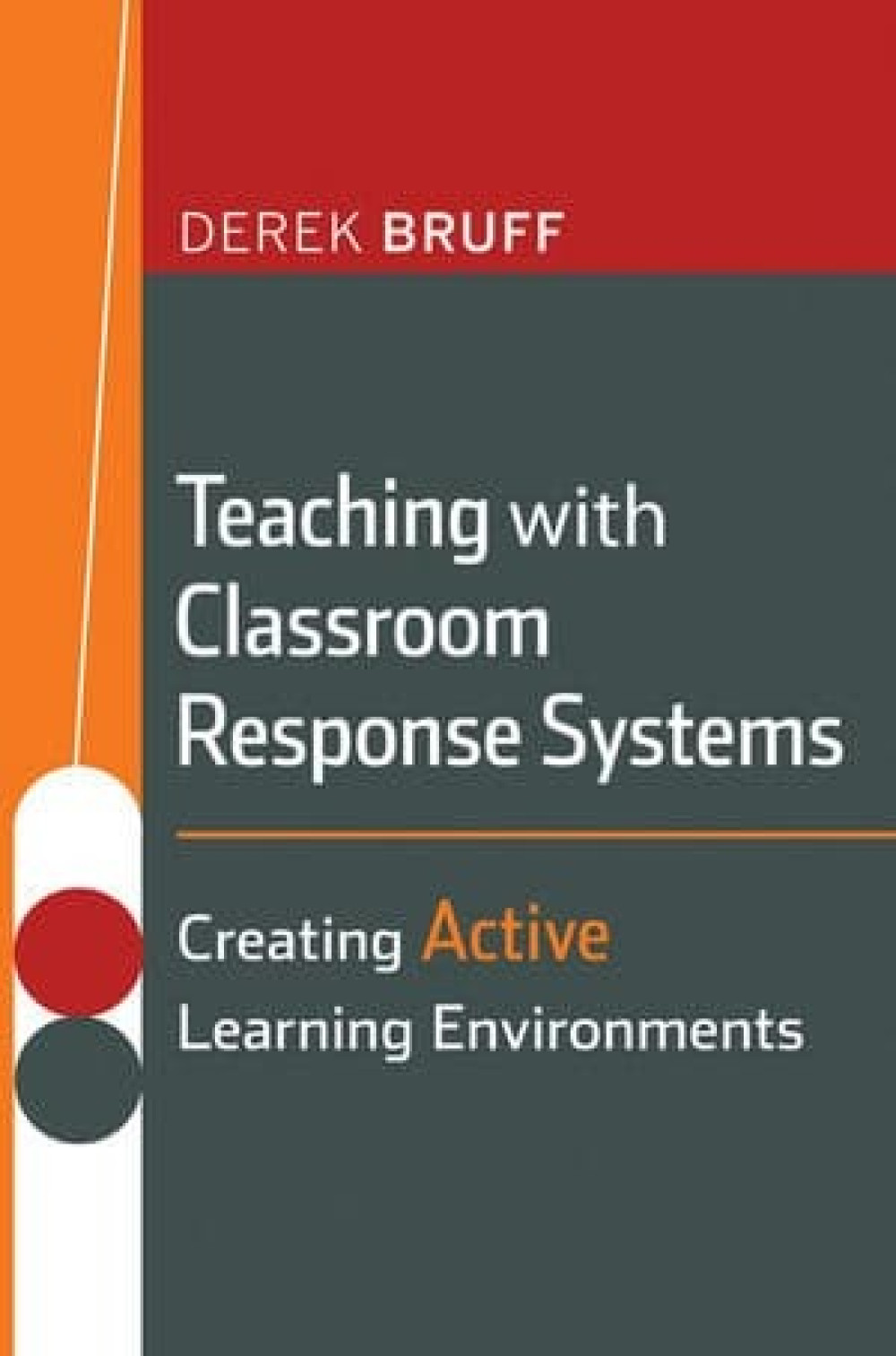
Teaching with Classroom Response Systems

Derek Bruff

This book was written when classroom polling questions were limited to multiple-choice questions. However, as this book illustrates, there are a lot of useful pedagogical moves you can make with "just" a multiple-choice polling question.

Headshot of Derek Bruff
Derek Bruff

I wrote this back in 2009 when I saw the wide variety of uses of classroom response systems across the disciplines. I cringe a little at the writing, but the examples from my faculty colleagues hold up very well. In the book, I share polling strategies and example polling questions from almost fifty different instructors.

View excerpt

Student perspective questions can be used to help instructors get to know their students. Each class of students is unique, and it is often important for instructors not to rely on assumptions about students, their opinions, and their experiences. Asking these questions can provide useful information about students that helps prevent instructors from making unfounded assumptions about them and helps instructors tailor learning experiences to the unique makeup of students engaged in those learning experiences.

For example, Philippa Levine uses opinion questions to learn about the students in her course, The Evolution Debates, at the University of Southern California. Given the topic of the course, she sometimes finds it surprisingly easy to say something that seems harmless to her but off-putting to some of her students. By knowing where her students stand on sensitive topics, she is better able to avoid this.

Was this resource helpful?
03

One-Best-Answer Questions: Clickers, Critical Thinking, and Legal Education

Agile Learning

This blog post describes a series of polling questions used by Vanderbilt University law professor Edward Cheng to help students realize when they've moved from a legal question with a clear answer to one where there's room for interpretation and argument.

Headshot of Derek Bruff
Derek Bruff

One thing I love about this example from Ed Cheng is that he turns the expectations students have for multiple-choice questions on their head. Students expect that such a question will have a single correct answer, and the fact that Ed's third question doesn't have one creates a useful "time for telling" moment for his students.

View excerpt

Ed described the series of questions as “review” questions, used at the beginning of one week to review material from the previous week. He starts with the following question, which he describes as a “gimme” question:

Carl keeps a pet rhinoceros within a double electrified fence. A severe storm knocks out power, and the frightened rhino breaks through the fence, rampaging through the neighborhood and ramming Jodi’s car. In an action against Carl, Jodi may recover:

  1. Full damages because Carl converted Jodi’s property
  2. Full damages because trespass to chattels only requires substantial damages
  3. Full damages because the rhino is a wild animal
  4. Nothing, because Carl was not negligent

This was apparently an easy question for Ed’s students, since 100% of them chose the correct answer (C). Notably, this question has a single correct answer.

Was this resource helpful?
04

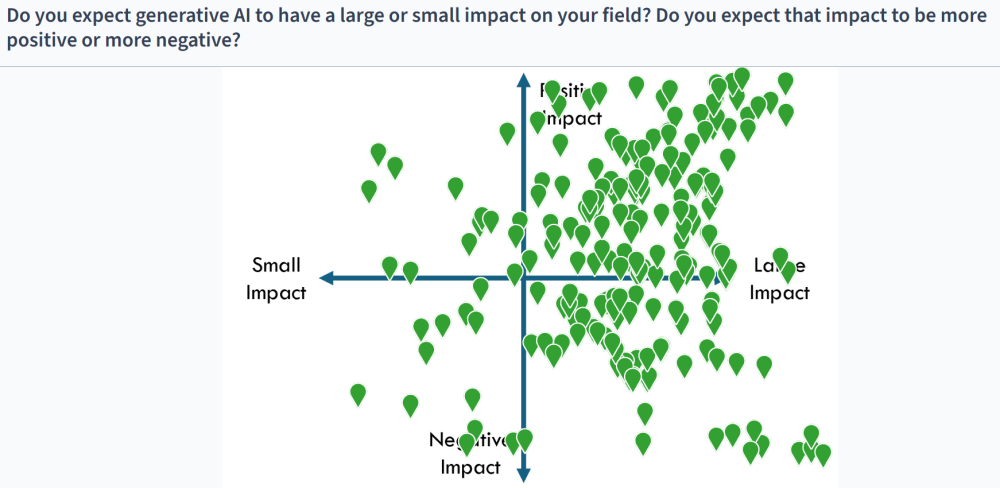
Clickable Image Polling Questions

Agile Learning

Most classroom response systems have some kind of clickable image question type, where the instructor can upload an image and ask students to identify something within the image by clicking or tapping on it. This piece shares several creative examples of faculty using this open-ended question type for formative assessment.

Headshot of Derek Bruff
Derek Bruff

When using an open-ended polling question, it can be challenging to quickly make sense of dozens or hundreds of student responses to such a question. The clickable image question type, however, creates a heatmap of student answers so you can quickly analyze and respond to the results. I find that coming up with good clickable image questions requires some creativity, which is why I've collected these inspiring examples in one place.

View excerpt

I’ve been thinking about clickable image questions lately because they’ve come up in three podcast interviews this year. In Episode 34 of Intentional Teaching, I talked with Sravanti Kantheti, program director for anatomy and physiology at Lanier Technical College, about her use of Top Hat’s “Ace” AI-powered learning assistant. That meant talking about her use of Top Hat, which has a variety of classroom response tools, including clickable image questions. (Top Hat calls them “click on target” questions.) Sravanti uses these questions in her anatomy and physiology courses, and she shared a favorite with me. She’ll show her students a diagram of a human heart and ask them, “Where in the heart would you find deoxygenated blood?” The resulting heatmap gives her a lot of information about her students’ understanding of heart anatomy and blood flow.

Was this resource helpful?
05

Strategies for In-Class Polling in Synchronous Online Class Sessions

Teaching in Higher Ed

Dan Levy talks about his book, Teaching Effectively with Zoom, on episode 324 of the Teaching in Higher Ed podcast. Around the 12-minute mark, Levy discusses effective uses of in-class polling systems to engage and assess students during synchronous online class sessions.

Headshot of Derek Bruff
Derek Bruff

When most university teaching went online in 2020 due to the COVID-19 pandemic, Dan Levy very quickly saw ways to adopt in-person teaching techniques to engage students effectively on Zoom. He wrote a book about this that included very practical strategies for Zoom's built-in polling tool to engage and assess students in synchronous online settings, and he talks about some of those strategies on this podcast.

View excerpt

In my particular case, I happen to say, you know what, I’m going to stick to the Zoom native polling tool, because I think, for my purposes, it does pretty much what I would like. In the book I also described that within Zoom, you can do a little hack without using Zoom’s native polling tool to know not only the aggregate results, but to know which student voted for which option, which again, speaking of engagement, allows you to engage the students in a way that would be much harder to do because you can say, “Bonni, I noticed you said, B, can you tell us why.” Then, “Jimmy, I noticed you said C can you tell us why.” You generate a dialog that’s super easy to do because where each student stands.

Was this resource helpful?
06

Neurodivergent Student Perspectives on Active Learning Instruction

CBE: Life Sciences Education

Mariel Pfeifer and colleagues interviewed a neurodiverse group of STEM majors about their experiences in active learning classrooms, including how they experience and navigate the use of in-class polling.

Headshot of Derek Bruff
Derek Bruff

One strength of in-class polling is the ability to engage and assess all students simultaneously. However, not all students experience these interactions the same. I find this study useful for appreciating the differences my students bring to these interactions and for modifying my facilitation to be responsive to those differences.

View excerpt

Clickers are student response systems that allow students to anonymously share their answers to instructor questions. Answering clicker questions supported the metacognition of our participants by prompting them to monitor their own understanding of class content. Participants described especially valuing the instructor’s explanation of why each answer option was correct or incorrect. However, some implementation of clicker questions within STEM courses was problematic for participants, notably when clicker question responses required them to compose short answers within a limited amount of time. Josiah, a participant with a specific learning disorder in reading, and Stewart, a participant with ADHD, explained that they felt they needed more time to type their answers than provided by the instructor. This was especially concerning for Stewart, because his clicker questions were graded for accuracy in one of his classes. Other participants, like Kacey, explained that viewing the class responses to free-response clicker questions is particularly stressful for her due to differences in formatting.

Was this resource helpful?
07

Poll Everywhere at UVA

UVA Center for Teaching Excellence

Poll Everywhere is UVA's licensed in-class polling system. This page from CTE Learning Tech features information for UVA instructors who want to get started using Poll Everywhere or need support in using the tool.

Headshot of Derek Bruff
Derek Bruff

I've used Poll Everywhere for years. It has long been my go-to for polling during workshops and events, in part because it's very easy for audience members to start using. Thanks to UVA's Poll Everywhere license, the tool integrates with Canvas at UVA.

View excerpt

Poll Everywhere — UVA Learning Tech

UVA Center for Teaching Excellence
Open resource

How can Poll Everywhere enhance teaching and learning?

  • By facilitating interactive activities such as knowledge-checks, quizzes, or polls for real-time or asynchronous engagement
  • By displaying responses/results in real time through a visualized design for rapid comprehension and reflection
  • By providing access to data for review from either the Poll Everywhere dashboard or through exported csv files
  • By providing both anonymous and user-identified response options
  • By syncing UVACanvas course rosters for individual student feedback records
  • By interfacing with the UVACanvas Grades tool for inclusion in course grade calculations (optional)
  • By allowing responses to be completed through either a browser (Chrome, Firefox, Edge, Safari) or through the Poll Everywhere app on mobile devices
Was this resource helpful?

Want to recommend a resource to add to this collection? Send us an email.